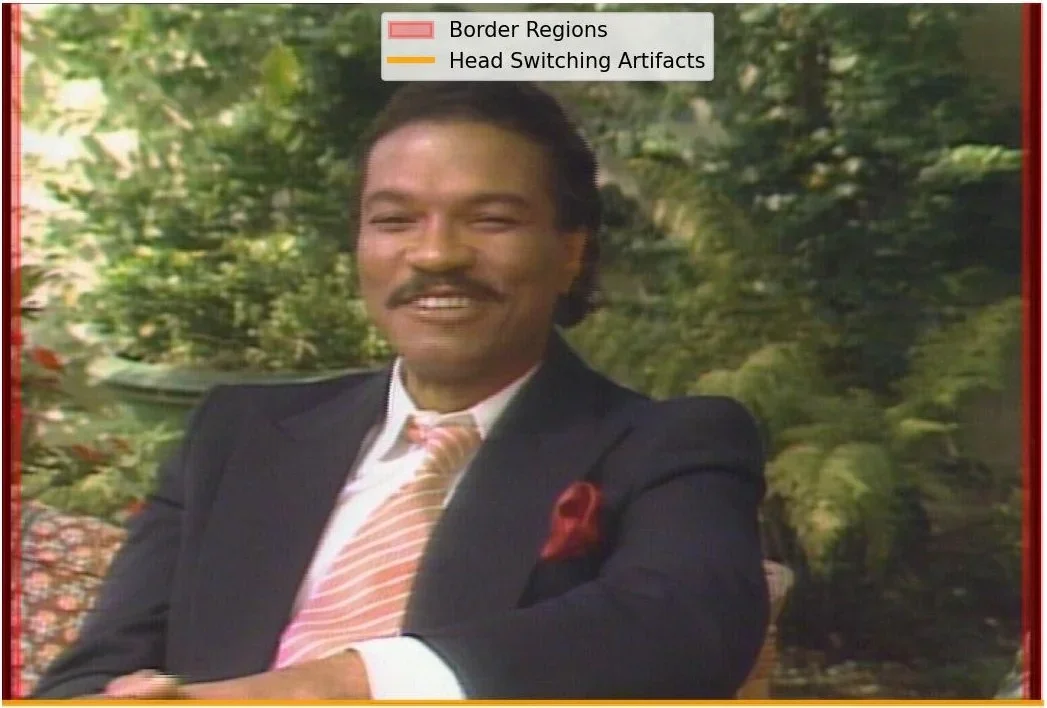
One of our goals in building the macOS app AV Spex was to “flag” aspects of a video that need a closer look, so archivists can prioritize which parts of a video receive further investigation. Using the qct-parse features in AV Spex, we can identify specific frames that might have artifacts or errors. Unfortunately, sometimes that’s still too many frames! To truly prioritize manual review of video, we want to be able to investigate what is happening within the frame itself.

AV Spex is a macOS application I wrote in Python. It’s designed for the Smithsonian National Museum of African American History and Culture (NMAAHC) to process digital video files created from analog sources. The app allows digitization technicians and archivists at NMAAHC to automate multiple preservation actions from a variety of video and digital preservation software. It also collects the results from these actions into a single html report.
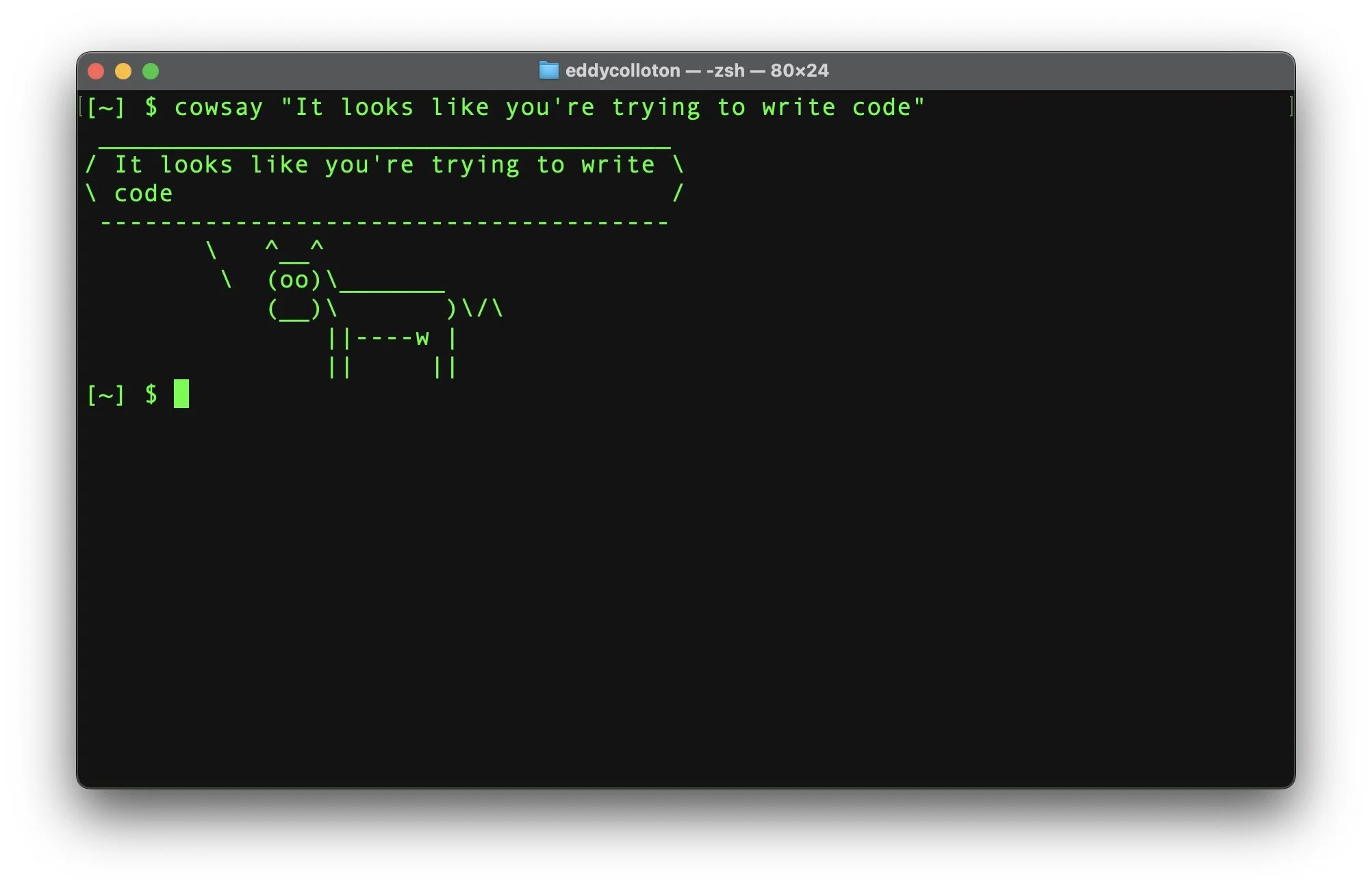
INPT (INgest and Processing Toolkit) is a bash scripted command line tool for automating the processing workflow for time-based media at the Hirshhorn Museum and Sculpture Garden (HMSG). Prior to developing INPT, we were running these tools manually, one at a time. Some of the steps in the workflow are quick, like running MediaInfo on a video file, but others, like using FFmpeg to create a frame-level MD5 manifest, can be quite time consuming and tedious. With INPT, the conservator can select which files they wish to process, which tools they wish to use, and then let the process run unsupervised end-to-end.
For the past five years I’ve had the opportunity to learn coding on the job. I never really planned for that. I never had any intention of becoming a “software developer,” but here I am developing software. Still, I’ve only had a little formal training, it’s all been very trial and error. The feeling of “I have no idea what I’m doing” has kind of typified the journey. This is the first of my multi-part blog series describing that journey and what I’ve learned (and created) along the way.